Before you connect your first smart devices, check whether your network infrastructure is ready to support them – here's a practical checklist.
Smart home devices – lighting, sensors, thermostats, cameras, locks – are only as reliable as the network they connect to. A common mistake is buying smart devices before evaluating whether existing Wi-Fi coverage, router capacity and network structure can actually support them reliably. The result: devices "drop off" the network, respond with a lag, or don't work as intended – not because the device is bad, but because the network foundation wasn't ready. This checklist helps you assess readiness before you start buying and installing smart devices.
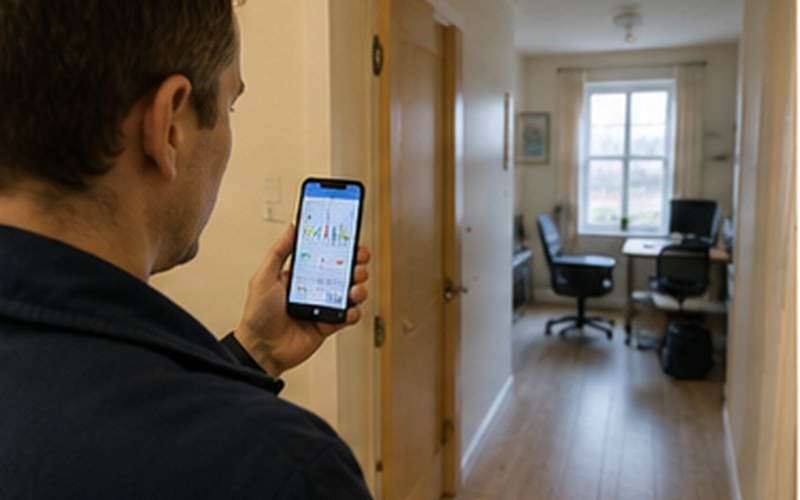
The first and most important step is making sure the Wi-Fi signal reaches every room where you plan to place smart devices, with enough strength for stable operation. This especially applies to out-of-the-way rooms, basements, garages or the edges of a property, where the signal from a single central router is often weak or doesn't reach at all. Uneven coverage is one of the most common causes of smart home problems.
Many smart devices run simpler, less frequently updated firmware than computers or phones, which makes them a comparatively weaker link in network security. It's worth considering a separate network segment (VLAN) or at least a separate Wi-Fi network (similar to a guest network) just for smart devices. This limits the potential impact if a device is compromised, and prevents it from directly reaching your computers or personal files on the same network.
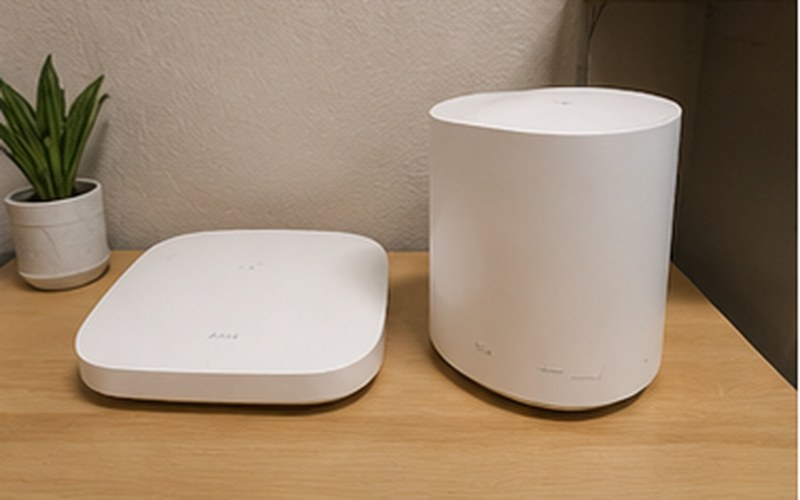
Every piece of network equipment (router, access point) has a limit on how many devices it can serve reliably at the same time. Homes with a wide range of smart devices – light switches, sensors, plugs, cameras, speakers – can easily reach several dozen connected devices. Before a large-scale smart home build-out, it's worth checking your router's specifications and, if necessary, considering a more capable unit or installing an additional access point.
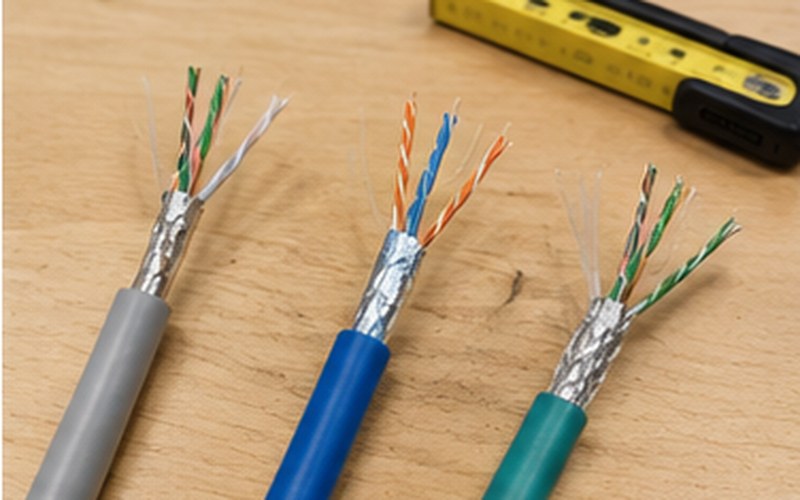
Not every device needs Wi-Fi – some smart home central devices (hubs, bridges, main controllers) run more reliably when connected via Ethernet cable rather than relying on a wireless connection. This is especially important when many other devices depend on that central hub – an unstable wireless connection at the central point can cause problems throughout the whole system. When planning new construction or a renovation, it's worth pre-planning wired connections in the locations where you intend to place such central hubs.
Some smart devices – light switches, blind motors, certain sensors – need access to a permanent electrical supply rather than just a battery. Before purchasing devices, it's worth checking whether an appropriate electrical connection is available at the planned installation locations, or whether additional electrical work is needed.
| Checkpoint | Why it matters |
|---|---|
| Wi-Fi signal reaches every room with planned devices | Prevents unstable operation and devices "dropping" from the network |
| Separate IoT/guest network segmentation considered | Limits security risk if a device is compromised |
| Known simultaneous connection capacity of your router/access point | Prevents overload from too many devices |
| Wired (Ethernet) connection planned for critical hub/bridge nodes | Provides a more stable foundation for the whole system |
| Electrical availability checked for devices that need it | Prevents unexpected additional electrical work |
If you're planning a new build or a major renovation, the most cost-effective time to evaluate network infrastructure for a smart home is at the design stage – that's when you can plan ahead for additional Ethernet points, access point placement and electrical connections wherever they'll be needed. In an existing home these elements can also be added later, often using wireless or partly wired solutions, but careful upfront planning usually saves time and cost compared with solving problems after the devices are already installed.
We assess your existing network and recommend the improvements needed before installing a smart home system.
Fill in the form – we'll get in touch to discuss your needs.
Request a free consultation – we'll get in touch to discuss your needs.
We'll contact you within 5 minutes of submitting the form