A stable Wi-Fi network with full coverage for your home or office – from a mesh system in an apartment to an enterprise-grade network for a business.
A weak or unstable Wi-Fi signal usually means incorrectly placed access points or outdated equipment. We design Wi-Fi networks taking room layout, wall materials and the number of users into account, then install access points so coverage is even with no "dead zones." For homes, we offer mesh solutions with seamless roaming between rooms, while for businesses we provide enterprise Wi-Fi with guest network separation, user authentication and centralized management. After installation, we also provide network maintenance.
We often see cases where an office or home has bought an expensive Wi-Fi router, yet the signal still doesn't reach every room – because the problem isn't the equipment's power, but its placement and the network's design. That's why, before choosing equipment, we always assess the specifics of the space: wall thickness and material, the number of floors, and user density. The result is a solution tailored to your exact situation, not a generic one-size-fits-all approach.
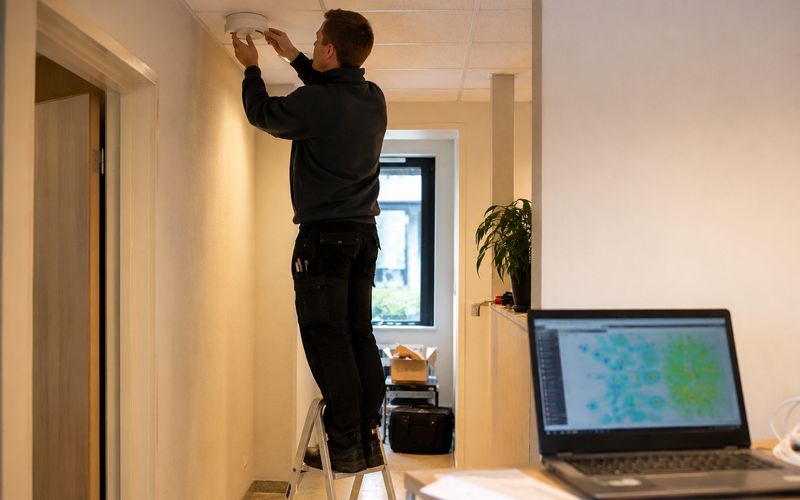
Coverage assessment before choosing equipment
Written proposal before work begins
Signal tested in every room after installation
We analyze the room layout to determine the optimal number and placement of access points.
Even coverage across multiple floors with automatic roaming between access points.
Guest network separation, user authentication and centralized management for a larger number of devices.
Regular firmware updates and network configuration checks for long-term stability.
Not every home or office needs complex Wi-Fi design – sometimes correctly placing a single router is enough. But there are situations where DIY solutions often fall short: if your home has multiple floors or thick load-bearing walls, if certain rooms (the basement, garage, garden shed) get no signal at all, if many devices are connected to the network at once – smart home, video surveillance, work equipment – and the network "chokes" or slows down, or if more people work in the office than a home-class router can reliably support. The constant addition of new devices (smart thermostats, cameras, sensors) can also, over time, exceed the capacity the network was originally designed for.
In an office environment, an additional reason for a professional solution is the need to separate the employee and guest network, control who can access the network, and ensure that one user's heavy download doesn't affect everyone else's work. This is achieved with a centrally managed enterprise-grade solution, rather than several separate home-type routers.
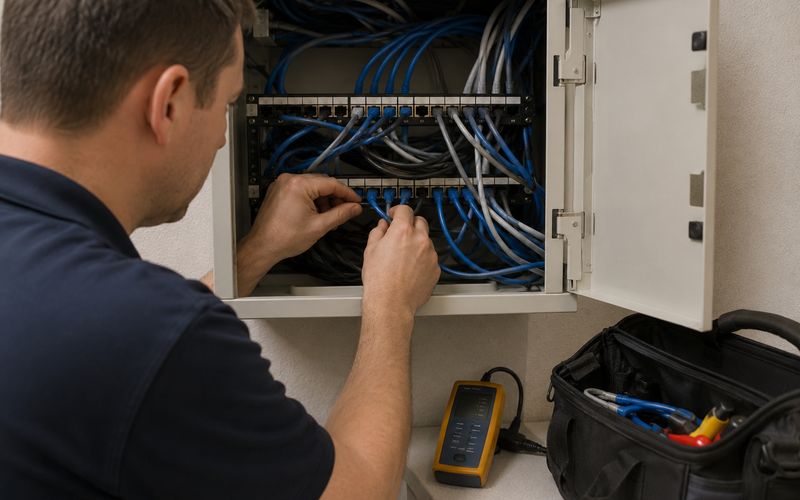
The three most commonly used solutions for weak coverage are a mesh system, a Wi-Fi extender (repeater), and an additional wired access point. A mesh system consists of several coordinated points that form a single network name throughout the home, with automatic switching (roaming) as you move between rooms. A simple Wi-Fi extender picks up the existing signal and rebroadcasts it, but often creates a separate network name and can reduce speed. A wired access point, connected via a network cable, usually provides the most stable solution if a structured cabling system already exists or is being installed.
The choice is determined by your room layout and whether you already have wired network infrastructure. If you're also planning a structured cabling system installation, wired access points are often the more advantageous solution long term. See a detailed comparison in our mesh vs extender vs access point guide.
The latest Wi-Fi standards promise higher speeds and better performance in places with many connected devices, but in practice the real benefit depends on whether your internet connection and devices can actually make use of that speed. For a home user with a standard internet plan, buying the latest standard often makes no noticeable difference, whereas for an office with many devices working simultaneously it can be a justified investment. During the consultation, we help you assess whether the latest standard is worth the extra cost in your situation, or whether a proven, stable solution is sufficient. Read more in our Wi-Fi 6 vs Wi-Fi 7 decision guide.
We discuss the size of the space, the number of users, and current Wi-Fi issues.
We determine the number and placement of access points to ensure full coverage, and prepare a written proposal.
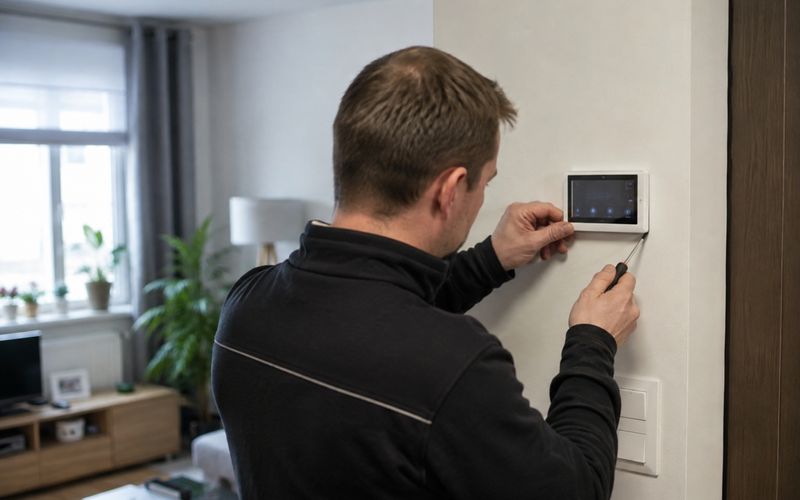
We install and configure the equipment, testing signal strength in every room before completing the work.
We offer ongoing network maintenance, firmware updates and expansion as needed.
Before your consultation, see our Wi-Fi coverage survey checklist or our mesh vs extender vs access point comparison.
Fill in the form – we'll get in touch to discuss your needs.
Request a free consultation – we'll get in touch to discuss your needs.
We'll contact you within 5 minutes of submitting the form